
AI Video Generator Text to Video AI Tool
AI Video Generator: Transform Text to Video with Advanced AI Tools
In today’s fast-paced digital world, video has become the most powerful content format for marketing, education, entertainment, and branding. With the rise of AI Video Generators, creating video from simple text prompts has become easier, faster, and more affordable than ever before. Whether you are a business owner, content creator, freelancer, educator, or digital marketer, Text to Video AI tools can help you scale your video production instantly—without any editing skills.
This guide covers the best AI video generator websites, their uses, key benefits, and frequently asked questions to help you choose the right tool.
What Is an AI Video Generator?
An AI Video Generator is a smart tool that converts any written text into a high-quality video automatically. These tools use technologies like machine learning, voice cloning, visual rendering, and natural language processing to create:
- Marketing videos
- Social media reels
- Product explainers
- Educational videos
- YouTube content
- Ad creatives
- Tutorials
- AI presenters & avatars
You simply enter your text, choose a style, and the AI instantly produces a video with visuals, voiceovers, animations, and transitions.
Best AI Video Generator Websites (Top Text-to-Video AI Tools)
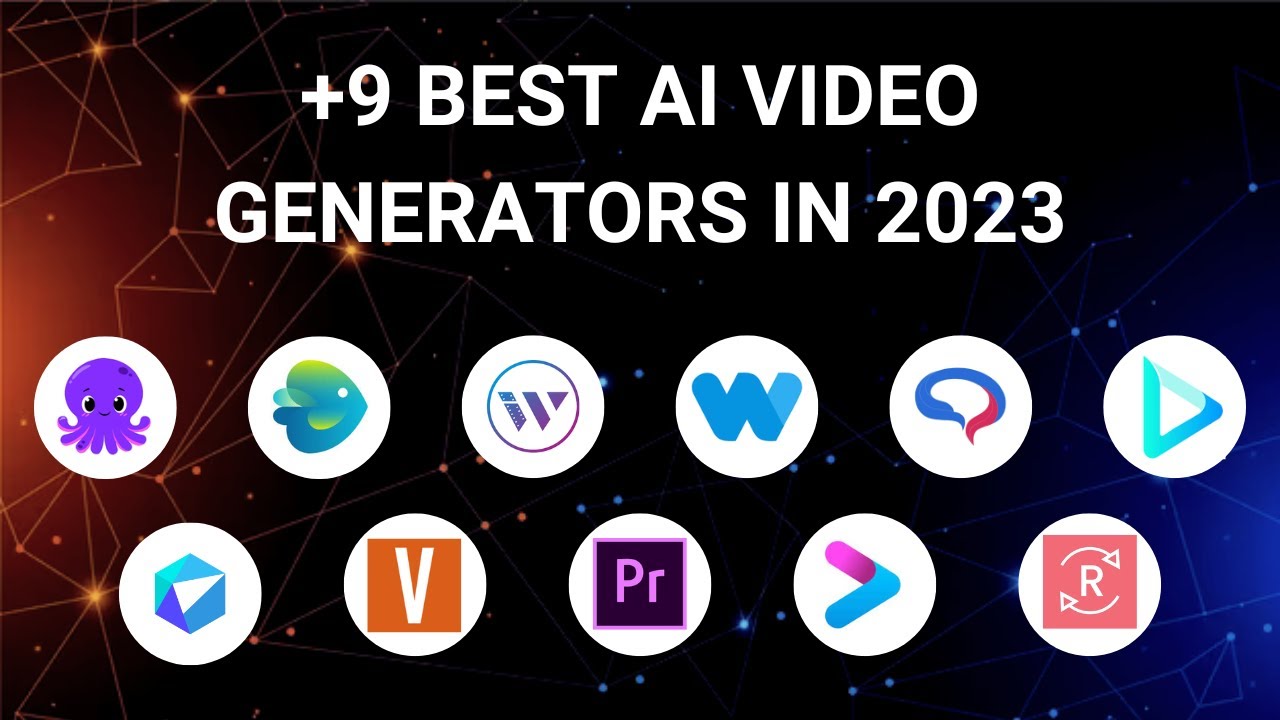
Below are some of the most popular and powerful AI video generator platforms you can use today:
1. Synthesia.io
A leading AI video creation platform with lifelike AI avatars and voiceovers.
Key Features:
- 150+ AI avatars
- 120+ languages
- Text-to-speech voiceovers
- Custom avatars
Best for: corporate training, explainer videos, tutorials.
2. InVideo AI
One of the most user-friendly text-to-video tools.
Key Features:
- Turn entire articles into videos
- Templates for reels, ads, promos
- AI script generation
- Voiceover support
- Best for: YouTube content, marketing videos, social media creators.
Ideal for long-form text and blog-to-video conversion.
Key Features:
- Converts blog posts into videos
- Auto captioning
- Stock footage library
Best for: bloggers, brands, video marketers.
4. RunwayML (Gen-2)
Advanced AI video generation with cinematic quality.
Key Features:
- Text-to-video
- Image-to-video
- Motion editing
- High-quality rendering
Best for: creative professionals and visual designers.
5. HeyGen
Popular for AI avatars and spokesperson-style videos.
Key Features:
- Realistic digital avatars
- Lip-sync accuracy
- Multi-language support
Best for: business presentations, product demos, eLearning.
6. Veed.io AI Video Creator
A beginner-friendly online editor with AI features.
Key Features:
-
Auto subtitles
-
AI text-to-video
-
Templates for ads & social media
Best for: short-form content, marketing teams.
Uses of AI Video Generators (Why You Need Them)
1. For Business & Marketing
- Create ads, product demos, brand videos
- Build video funnels
- Generate explainer videos in minutes
2. For YouTube Creators
- Create faceless YouTube videos
- Auto-generate scripts
- Convert blogs into YouTube content
3. For Education & Training
- Tutorial videos
- Online course content
- Employee training presentations
4. For Social Media
- Instagram Reels
- TikTok videos
- Facebook & LinkedIn ads
5. For Ecommerce
- Product showcase videos
- Amazon/AliExpress product demos
- Influencer-style promo videos
6. For Agencies & Freelancers
- Deliver client videos faster
- Reduce editing cost
- Scale content production
Benefits of Using Text to Video AI Tools
- Super-fast production (minutes instead of hours)
- No editing skills required
- Cost-effective
- High-quality visuals and voiceovers
- Consistent branding
- Huge stock media libraries
- Multilingual support
How to Create a Video Using AI (Step-by-Step)
- Select an AI video tool (e.g., InVideo, Synthesia).
- Write or paste your text/script.
- Choose a template or AI avatar.
- Select voice style, background music, and visuals.
- Generate video with one click.
- Download and publish instantly.
FAQs About AI Video Generators
1. What is the best AI tool for text to video?
Popular choices include Synthesia, InVideo AI, HeyGen, Pictory, and RunwayML, depending on your need (avatars, marketing, cinematic quality, etc.).
2. Can AI create full videos from text?
Yes. Modern AI tools generate visuals, voiceovers, animations, and subtitles automatically from text.
3. Is AI video creation free?
Most platforms offer free trials, but full features require paid plans.
4. Can I create YouTube videos with AI?
Absolutely. Many YouTubers use AI tools to create faceless videos, scripts, thumbnails, and voiceovers.
5. Are AI avatar videos realistic?
Tools like Synthesia and HeyGen offer highly realistic digital presenters with accurate lip-syncing.
6. Can AI convert blog posts into videos?
Yes. Tools like Pictory and InVideo can turn long-form text into short marketing videos.
7. Is AI video generation good for businesses?
Yes, AI video tools help businesses save cost, speed up production, and maintain content consistency.