
How to create a landing page for free
How to create a landing page for free
Creating a landing page for free can be a great way to promote a product, service, or event without incurring costs. Here’s a step-by-step guide to help you create an effective and attractive landing page:
1. Define Your Goal
Before you start building, clarify what you want to achieve with your landing page. Common goals include:
- Collecting email addresses for a newsletter
- Promoting a product or service
- Announcing an event
- Generating leads
2. Choose a Free Website Builder
There are several free website builders that offer easy-to-use tools to create landing pages. Some popular options include:
- Wix: Offers a drag-and-drop editor and various templates.
- Weebly: Provides simple design tools and customizable templates.
- WordPress.com: Free plan with basic features and themes.
- Google Sites: Simple and straightforward, integrated with other Google services.
3. Select a Template
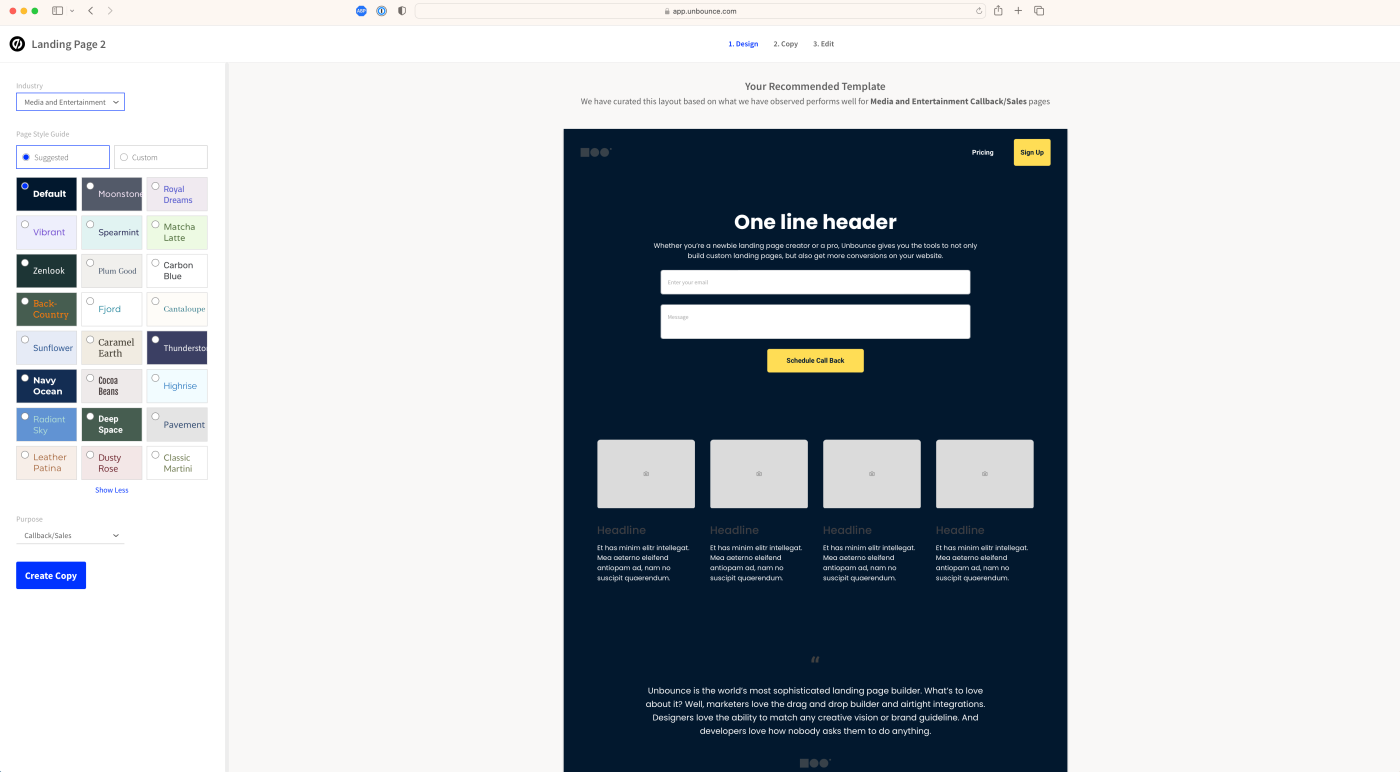
Choose a template that fits your goal and brand. Most website builders provide a range of templates designed for different purposes. Look for templates specifically designed for landing pages to save time.
4. Customize Your Design
Modify the template to match your brand and goal. Key elements to customize include:
- Header: Include a clear and concise headline that grabs attention.
- Images and Media: Use high-quality images or videos that are relevant to your message.
- Content: Write compelling and concise copy that highlights the benefits of your offer.
- Call-to-Action (CTA): Make sure your CTA is prominent and persuasive. Use action words like “Sign Up,” “Get Started,” or “Download Now.”
5. Add Essential Elements
A good landing page should have the following elements:
- Headline: A clear and engaging headline that conveys the main message.
- Subheadline: A brief explanation or additional information supporting the headline.
- Visuals: Images, videos, or graphics that enhance the message.
- Benefits: A list of benefits or features of the product, service, or event.
- Social Proof: Testimonials, reviews, or logos of well-known clients.
- Form: A form to collect visitor information, such as name and email address.
- CTA: A strong and clear call-to-action button.
6. Optimize for Mobile
Ensure your landing page is mobile-friendly. Most website builders automatically optimize for mobile, but it’s important to check and make adjustments if necessary.
7. Publish and Promote
Once you’re satisfied with your landing page, publish it using the website builder’s tools. Promote your landing page through various channels:
- Social Media: Share the link on your social media profiles.
- Email Marketing: Include the link in your email newsletters.
- SEO: Optimize your landing page for search engines to attract organic traffic.
- Paid Ads: If you have a budget, consider running ads on Google, Facebook, or other platforms.
8. Analyze and Improve
Monitor the performance of your landing page using analytics tools provided by the website builder or third-party services like Google Analytics. Track key metrics such as:
- Traffic: Number of visitors to your landing page.
- Conversion Rate: Percentage of visitors who complete the desired action (e.g., filling out a form).
- Bounce Rate: Percentage of visitors who leave the page without taking action.
Use this data to make improvements and optimize your landing page for better results.
Free Tools and Resources
- Canva: For creating custom images and graphics.
- Unsplash: Free stock photos.
- Google Analytics: For tracking and analyzing traffic.
- Mailchimp: Free plan for email marketing and landing page creation.
By following these steps and utilizing free resources, you can create an effective and visually appealing landing page without spending any money.